
Searching Cases by Name
For a name-based Onslow case search, Portal Smart Search is the public front door. It covers public civil actions, nonconfidential special proceedings, estates, and criminal actions. What comes back is a Case Summary. North Carolina also calls this the Register of Actions. Either name means the same thing. Type the most exact party name you have. Then sort out people who share a name using the case information returned. No registration is needed. Portal charges no search or viewing fee either. You can try several angles without cost.
- Open the official North Carolina eCourts Portal and choose Smart Search.
- Enter the party name in last-name, first-name order when both are known. Use the returned case information rather than assuming every matching name is the same person.
- Apply an available advanced criterion such as location, case type, case status, filing-date range, or date of birth where appropriate to the public search.
- Open the matching public Case Summary. Read Case Information, Assignment Information, Party Information, Case Events, Dispositions, Hearings, and Financial Information where that field applies.
The state courts publish guidance for all these tools on the official Portal training and resources page, which covers the Smart Search, hearing search, judgment search, and payment functions.
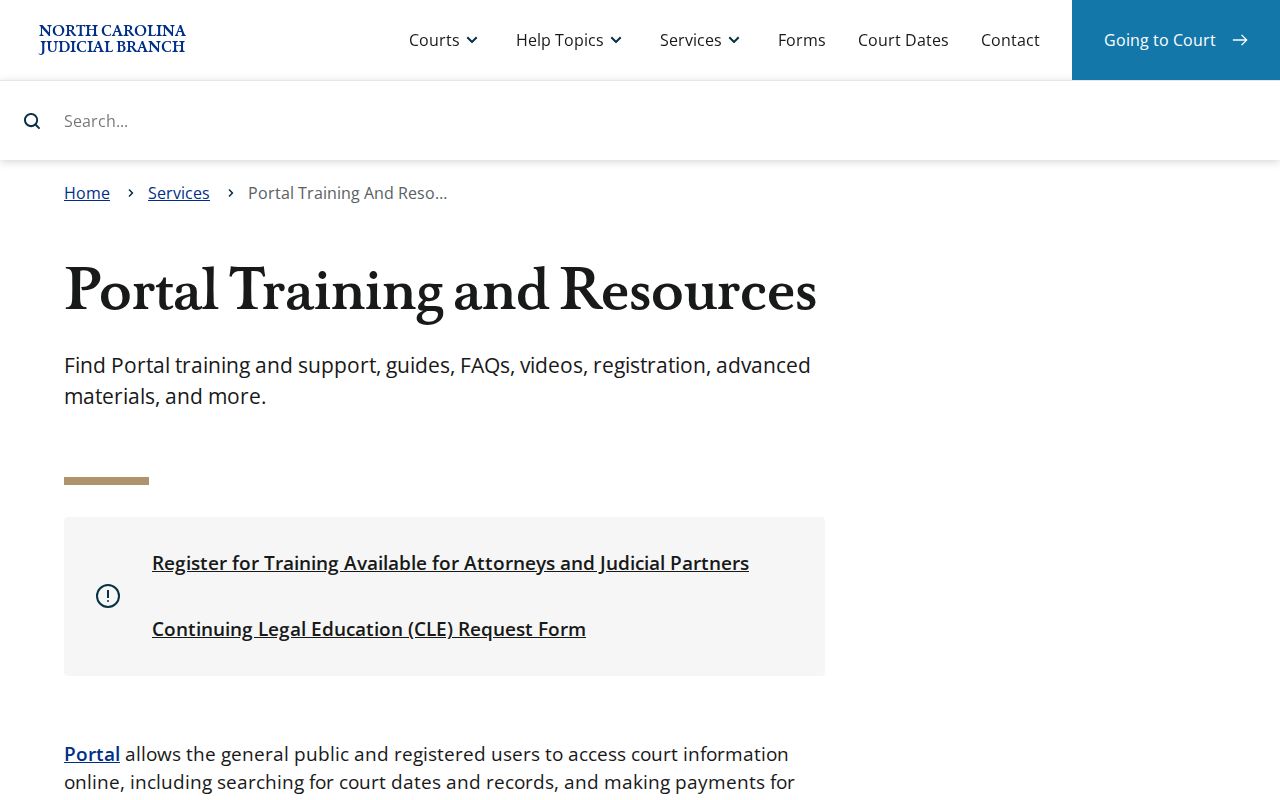
What appears here is the state portal layer that carries Onslow public cases. A Case Summary you open there is a reading tool only, not a clerk-certified record.
| Field label | Type | Required | Official use or format |
|---|---|---|---|
| Party name | Text | Alternative criterion | Advanced party criterion; a last-name wildcard needs at least three characters and an asterisk, while a first-name wildcard needs at least one character and an asterisk. |
| Record or case number | Text | Alternative criterion | Use the returned Enterprise Justice number; a case-number wildcard is allowed after at least four characters plus an asterisk. |
| Citation number | Text | Alternative criterion | A supported Portal input for a case lookup or eligible payment path. |
| Attorney name or bar number | Text | Optional | Supported Portal search criteria. |
| Business name | Text | Optional | Supported Portal search criterion. |
| Cross-reference number or nickname | Text | Optional | Alternate identifiers supported by Portal where available. |
| Location and case type | Advanced filter | Optional | Case-type choices include Civil Actions, nonconfidential Special Proceedings, Estates, and Criminal Actions. |
| Status and filing date range | Advanced filter | Optional | Supported criteria for narrowing a public result set. |
Onslow Case Search Name Rules
A broad name can flood a docket search with results. Portal's advanced guidance sets a 200-result limit. A common surname therefore calls for a narrower approach. Add the first name when you know it. Then narrow further with location, case type, status, or a filing-date range where the public fields allow. Guessing from a name alone is the wrong goal. The point is to land on a Case Summary that fits the case you want. Its parties, case number, assignment, and events should all match. Date of birth does appear as an advanced party criterion. Portal gives public users no Social Security number validation, though. Skip entering anything the official search does not need. Still too many hits? A case number, citation number, attorney criterion, or a question to the clerk will win every time. Another loose name search will not.
Onslow Portal Wildcard Case Search
Wildcard searching is allowed in Portal, within limits. It helps when only part of a name or record number is known. For a last name, enter at least three characters before the asterisk. A first name needs just one character plus the asterisk. Case-number wildcards work only after four characters and an asterisk. Treat these as search rules. They cannot conjure an unknown Onslow case number out of nothing. Once a wildcard search returns candidates, open each public Case Summary. Compare the case number, party information, court assignment, and Case Events. The official case system publishes no exhaustive Onslow legend for short event codes. When a label stays unclear, check the active hearing information or a linked public record. Or simply ask the Clerk about the case-specific record.
Searching by Case Number
A full Enterprise Justice number is the sharpest public identifier for an Onslow case search. Its published structure has four parts. These are a two-digit year, a letter case type, a six-digit sequential number, and a three-digit county identifier. Onslow's county identifier is 660. One caution applies. The official generic example ending in -910 is not an Onslow number. Use the number Portal returns rather than borrowing another county's format. Published Onslow criminal and infraction patterns include YYCR######-660 and YYIF######-660. Check the year, letter segment, sequence, and county identifier. That tells you whether a number looks structurally local. The check is not a complete code list. It also does not prove a record is public. Enter the full case number in Smart Search. Then open its Case Summary and Search Hearings result when a current court date matters too.
Onslow Case Number County Code
In the published Enterprise Justice structure, the final three digits mark the county location. For Onslow, that closing element is -660. It works well as a quick accuracy check. Use it on a number copied from a notice, a calendar, or a public search result. Do not lean on it to guess the court division. Portal's assignment information and the case type are the safer route. They tell whether a matter sits in Superior Court, District Court, or a clerk-administered proceeding.
- Case number
- The Enterprise Justice identifier made of year, case-type letters, a sequence, and county identifier.
- County identifier
- The final three-digit part of the published case-number structure. Onslow’s identifier is 660.
- Citation number
- The number printed on a traffic or infraction citation and accepted by Portal as a search input.
Onslow Case Search No Match Check
A blank result in an Onslow case lookup can mean several things. The Portal guidance tells users to double-check spelling and number format. It also admits the obvious. A record may not exist, or it may be restricted from public view. Maybe the filing is new and not yet processed. Maybe the record is old and simply not online. A wrong identifier can do it too. So retype the name or case number carefully. Then run both Smart Search and Search Hearings before trusting one empty screen.
Still stuck? Try another channel. Posted Onslow schedules can show a civil or criminal session. That helps when the real question is a court date. The public kiosk at the courthouse supports in-person research of court records. Need the official file or a copy? Call the Onslow County Clerk of Superior Court at 910-478-3600. For a setting question, the Superior Court Judges' office is 910-478-3616. The District Court Judges' office is 910-478-3612.
What a Case Search Returns
Click a Portal result and the public Case Summary, or Register of Actions, opens. NCAOC calls it detailed and near real time. Heavy upload volume can delay when something shows up, though. The chronological Case Events section is the backbone of the court docket entry. Dispositions, Hearings, and any Financial Information fill in status and setting details around it. Keep one caution in mind. Not every case carries every field or a public document image. So an empty block tells you nothing about the case itself.
| Case Information | Identifies the case and its basic status or type information. |
|---|---|
| Assignment Information | Shows the court or judicial assignment associated with the case. |
| Party Information | Organizes people or organizations by their legal role. |
| Causes of Action | Appears for applicable civil, family, probate, or mental-health cases to describe claims or classifications. |
| Case Events | The chronological procedural record of filings, orders, settings, and other actions. |
| Dispositions and Hearings | Shows outcome information where entered and scheduled court appearances. |
| Financial Information | Appears when applicable for assessed costs, fines, fees, payments, or related balances. |
Onslow Smart Search and Hearing Search
Smart Search and Search Hearings are partners, not twins. Smart Search pulls up the public Case Summary. You can search by case number, name, citation, attorney criterion, business name, cross-reference number, or nickname. Search Hearings does something narrower. It answers where and when a hearing sits right now. The search keys are case number, party name, business name, attorney name, attorney bar number, judicial officer, or courtroom. A current calendar question often needs both views to pin down a court date.
| Onslow Portal tool | Best use | What to confirm |
|---|---|---|
| Smart Search | Find the public Case Summary and read the case record. | Case information, assignment, parties, Case Events, disposition, and public documents where available. |
| Search Hearings | Find a current hearing location or time. | Case number or other supported criterion, plus the active hearing result and court office when the date may have changed. |
Statewide vs County Case Search
Onslow has no separate branded case-search database. The statewide North Carolina eCourts Portal serves as the online public layer. Onslow joined eCourts in February 2025. County channels still matter, though. The Onslow County Clerk of Superior Court holds the local court file. That covers both Superior Court and District Court matters. Use the Portal for locating and reading public case information. Then go to the Clerk. You will need it for the original file, a certified copy, or a record that requires in-person review.
| Statewide Portal | Onslow County court channels |
|---|---|
| North Carolina eCourts Portal covers public case information for all 100 counties using Enterprise Justice. | The Onslow Clerk, public terminal or kiosk, local schedules, and division offices address county-file and setting questions. |
| Public users can search, view public Case Summaries, see current hearings, view available public documents, search judgments, and make eligible payments. | The Clerk holds the official file and can provide the record-access path for paper review, copies, and certification. |
| Portal is free for public search and viewing, but it is not the official court record. | G.S. 7A-109 makes clerk-kept records generally open for inspection during regular hours except where law prohibits access. |
Onslow Case Search Filing Path
Portal handles public search, reading, and eligible payments. Filing is a different system entirely. North Carolina's File & Serve system takes electronic submissions, and Guide & File serves eligible self-represented filers. Keeping these apart prevents a common mix-up. Finding a case in a public Case Summary does not mean you can file through that same screen. The official File & Serve entrance is the separate electronic-submission path.
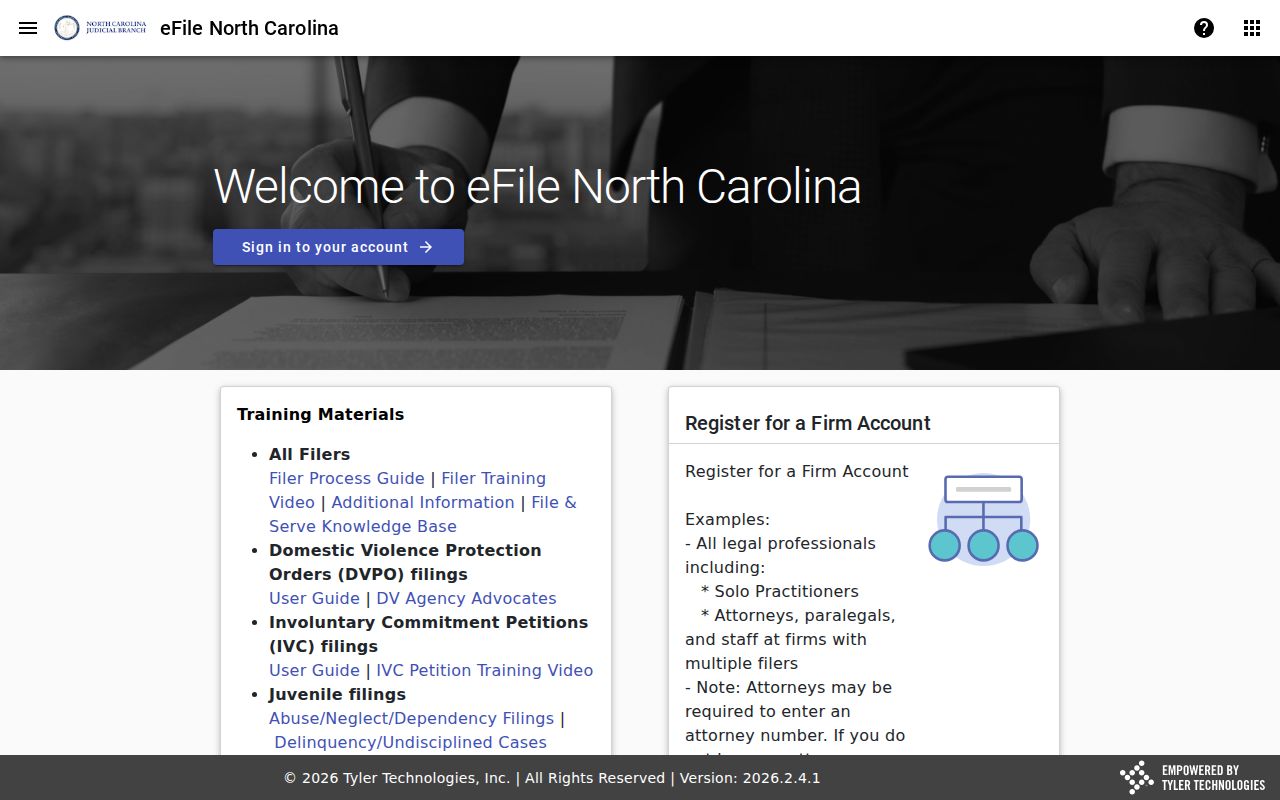
Two entry points, two jobs. Portal stays the public read layer for an Onslow case search. The Judicial Branch's File & Serve training and fee-information page carries the official filing-workflow material.
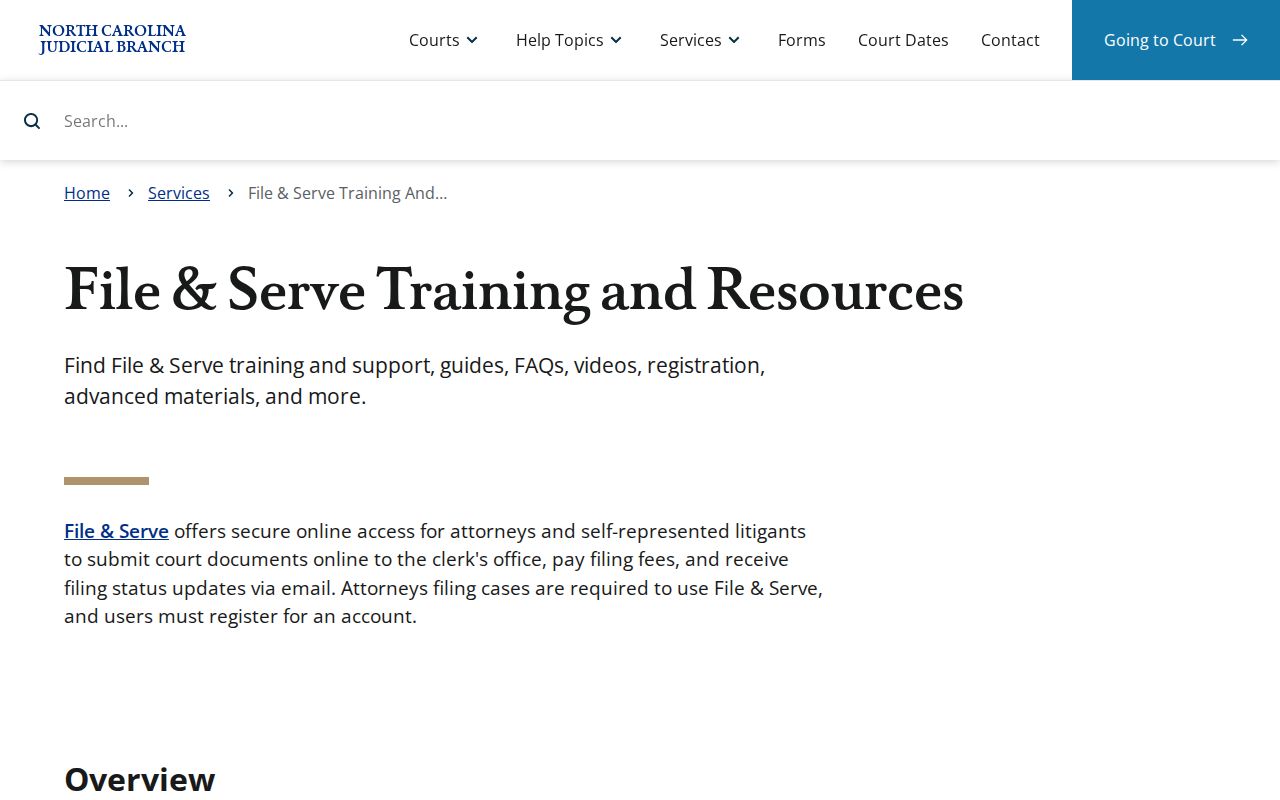
Filing acceptance and filing fees belong to the submission process. The public Case Summary search is free.
Onslow Case Search Account Limits
A Portal account lets you save public cases through My Cases. That is all registration does. Elevated Access is a separate statutory or verified role. It is not a consumer upgrade anyone can buy. The difference matters when a result looks restricted. Opening an account will never make confidential, sealed, or protected material visible to an ordinary public user.
Portal works in mobile browsers. But the official FAQ says it runs best in Edge or Chrome, and other browsers can cause search or display problems. If a public result will not load, switch to a supported browser. You can also recheck the identifier or use the Onslow courthouse kiosk. Browser trouble is not proof that a court case disappeared.
Access and Restricted Cases
Portal shows public case records and public documents where they exist. Confidential, sealed, or otherwise restricted material stays hidden. The official FAQ names a few examples. Unreturned criminal warrants, juvenile records, and protective-order information all need elevated or restricted access. A sealed record is closed to ordinary users. An expunged record, once ordered sealed or expunged, is gone from online view. So a missing result can reflect a legal access limit rather than a data error.
North Carolina's juvenile rule is blunt. Under G.S. 7B-3000, juvenile records are withheld from public inspection. Ordinary examination generally requires a court order subject to statutory exceptions. The Clerk maintains those records but cannot turn a public search request into authorization. For other public records, G.S. 7A-109 lays out the Clerk's record-keeping and inspection role, while the specific restriction still controls.
Onslow Case Search Kiosk Fallback
If the Portal cannot do what you need, go local. The Onslow County courthouse offers a public kiosk. The Clerk of Superior Court also keeps a public terminal for court record research. Both let you run a docket search by name or case number. Criminal cases can also be searched by victim or witness name. Civil files, special proceedings, and estate information are reachable there too.
The kiosk mirrors most Portal features. Not everything, though. Payments and downloads work only through the Portal. Some case types, including protective orders, may show up only to anonymous users at the kiosk itself. So plan on an in-person visit for those. For a paper file, a certified copy, or a case that simply is not displayed online, call the Onslow County Clerk of Superior Court directly. The Clerk holds the official court file in the county where the case was filed. A Portal printout can help you find a case. But it is not a certified record. That line between a search result and the official file is the safest way to approach an Onslow case lookup. It matters most when you need more than a quick answer.