
The Onslow County Court Calendar
Onslow County runs on the General Court of Justice. Superior Court and District Court share one Clerk of Superior Court for local records. That means the court calendar is really a group of live sources. It is not a single docket board. A public case can show a hearing in the North Carolina eCourts Portal. Meanwhile, the Onslow County Local Administrative Schedules page posts civil calendars, criminal calendars, and session schedules for the county. The division matters here. Superior Court takes felony and major civil matters. District Court handles most misdemeanors, traffic, small claims, family, and other matters assigned by statute.
Keep one caution in mind. A posted session proves only that the court planned to sit. It does not prove any one case is still set for that date. For an individual matter, the stronger online signals are the active Hearing and recent Case Events in the public Case Summary, also called the Register of Actions. When the sources disagree, the current hearing information and direct confirmation from the right court office should control.
Onslow Court Date Search Hearings
The Portal's Search Hearings portlet is Onslow's current-calendar tool. Use it when you know a case or want a narrower hearing search. It takes a case number, party name, business name, attorney name, attorney bar number, judicial officer, or courtroom. Its job is narrow by design: it searches current court calendars for hearing locations and times. Smart Search works differently. It opens the public Case Summary. The Hearings block and chronological Case Events explain why a date appears.
Start with the official North Carolina eCourts Portal whenever a case or citation number is on hand. Open the result. Read the Hearing entry. Then run Search Hearings with that same number. No number? A name or attorney criterion is the official alternative. Judicial officer and courtroom fields help narrow a live calendar, but they cannot replace the case-specific hearing record.
The official Civil and Criminal Calendars interface offers a second channel. Choose Onslow and the court type there. Then compare the returned session against the case-level hearing information.
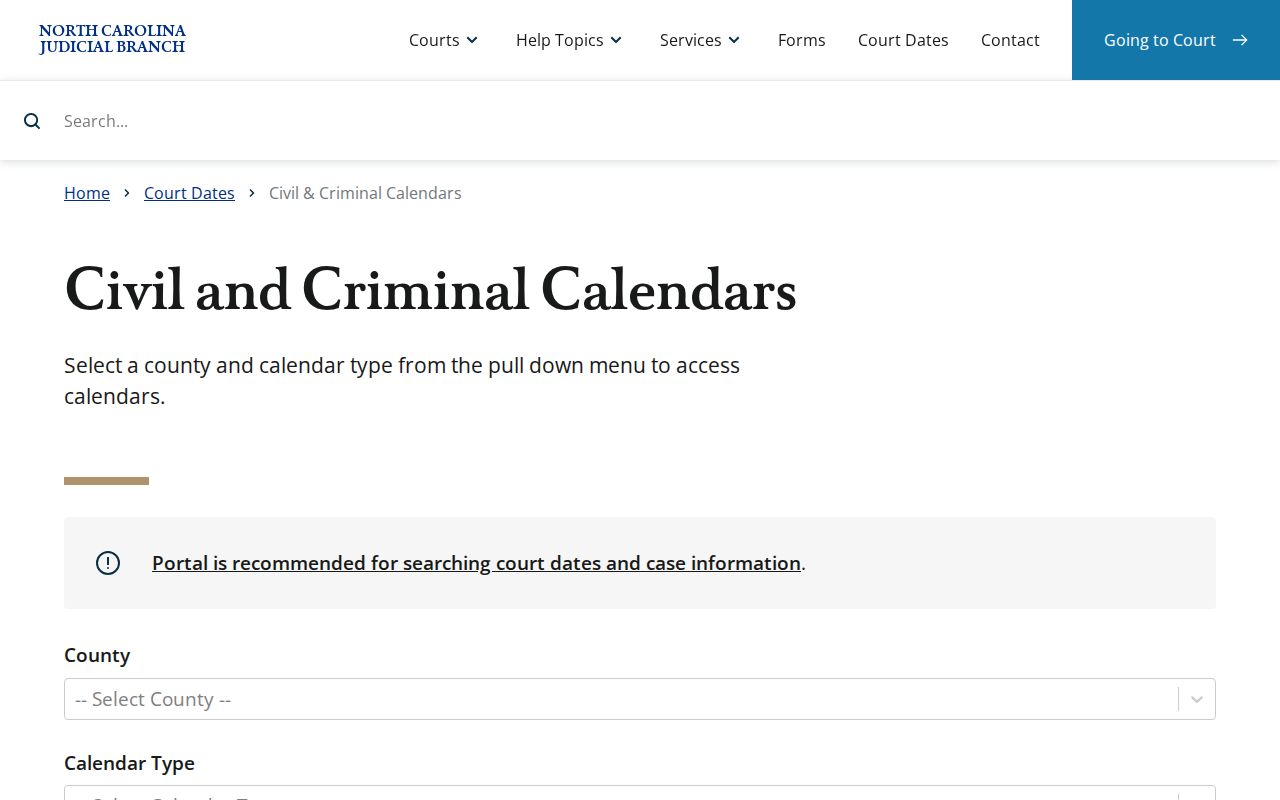
This calendar interface covers the posted-session half of an Onslow court-date check. Read it next to Portal's active hearing data whenever a listing may have moved.
How to Find Your Court Date
The same confirmation chain works for any Onslow County court date. The case may be civil, criminal, traffic, or domestic. It joins the public Portal, the local schedules, the courthouse access channel, and the staff who can confirm a setting. Keep the case or citation number ready. Have it in hand before you call. That number helps the court office find the right calendar entry fast.
- Open Portal Smart Search, enter the case or citation number, and open the public Case Summary. Review the Hearings block and the newest Case Events.
- Run Search Hearings with the same number. If no number is available, use a supported party, business, attorney, judicial-officer, or courtroom criterion.
- Check the current Onslow civil or criminal session on the local schedules page. Treat a PDF as a session plan that may need case-level confirmation.
- Use the courthouse kiosk or public terminal when the public Portal view is incomplete. The state says its terminals can search criminal cases by name, case number, or victim or witness name, and can access civil, estate, and special-proceeding information.
- Call the Onslow County Clerk of Superior Court at 910-478-3600 for an official-file question. For a setting, confirm with the Superior Court Judges’ office at 910-478-3616 or the District Court Judges’ office at 910-478-3612.
- Appear based on the most recently confirmed time and courtroom. Do not rely only on the first calendar PDF or earlier notice found.
Onslow Civil and Criminal Calendars
Onslow's Local Administrative Schedules page groups Court Sessions Schedules, Civil Calendars, and Criminal Calendars, plus a way to search by case number, party, or attorney. It is a practical companion to the Portal. Use it when you need to know which session is posted for the county. One limit stands out, though. A prior PDF cannot resolve a later continuance, reset, or cancellation in a single case. So treat the published calendar as context, not confirmation.
Check the official Onslow civil and criminal calendar index before relying on an older download. It is the local source for the current set of linked schedules and calendars.
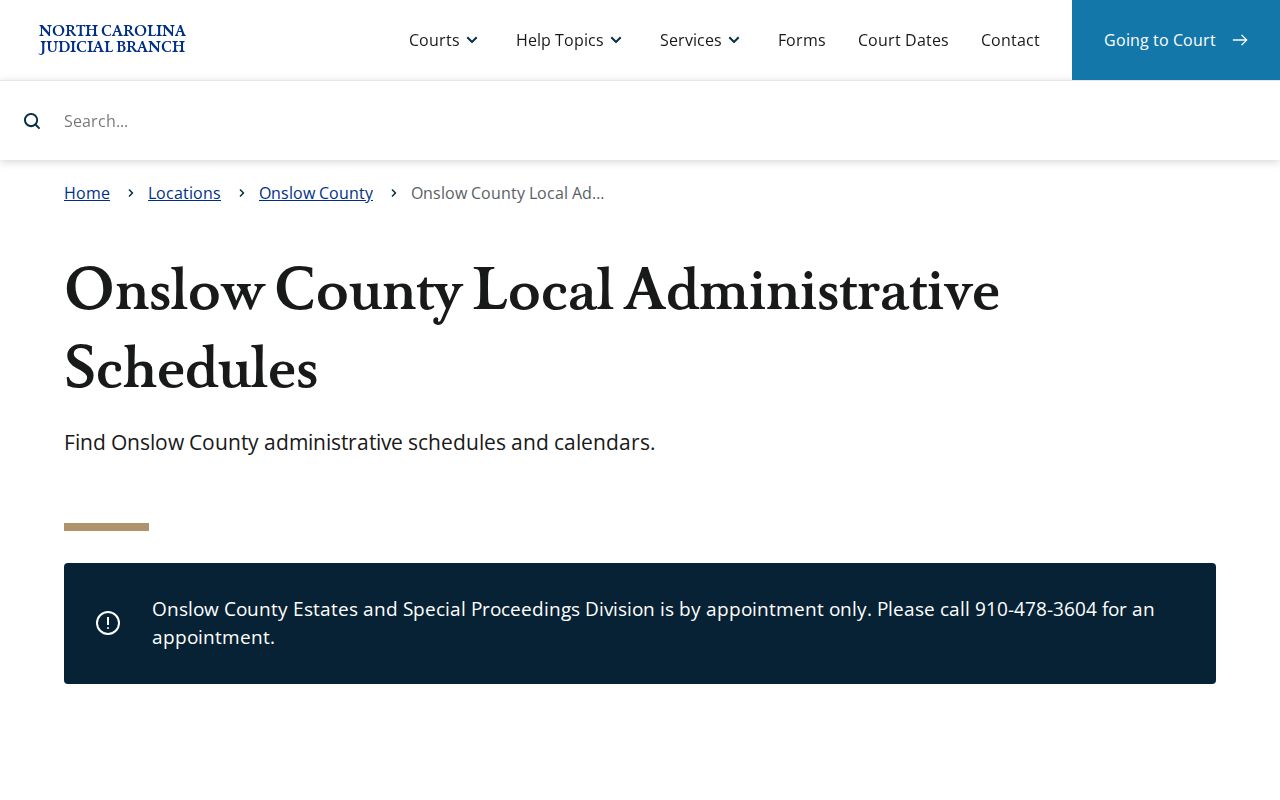
The local schedule index shows both the value and the limit of a session calendar. It points to where current schedules live, but it never replaces the Portal Hearing entry for a particular case.
Reading a Court Setting
An Onslow court setting is the live appointment information shown for a court appearance. Read it beside the Case Summary's assignment information and Case Events. The setting tells you when and where the court expects to hear a matter. The entries around it matter too. They show whether that is still true. Portal documentation backs confirming the date, time, location, the judicial officer or courtroom where shown, and the kind of session involved.
| Date | The scheduled calendar date in the active Hearing information, not merely the date of an older notice or PDF. |
|---|---|
| Time | The time returned for the current hearing or session. Compare it with the most recent court confirmation if the entry may have changed. |
| Courtroom | A Search Hearings field and result detail that helps identify the listed appearance location. |
| Judicial officer | An optional Search Hearings criterion that can narrow the current calendar by judge or judicial officer. |
| Setting type | The hearing or local session label, such as a civil session, Motions Calendar, Short Matters Session, or criminal calendar. |
Onslow Domestic Calendar Request OD-1
Onslow Domestic Form OD-1 asks the court for time on a calendar. A request is not yet a hearing. The full title is calendar request and notice of hearing. Anyone filling it out supplies the file number, the parties, attorneys, session type, date, presiding judge, issues to be heard, estimated time, readiness certifications, mediation status, signatures, service information, and a certificate of service. Two named session-type choices are the Motions Calendar and the Short Matters Session.
Where does the form go? It routes to the District Court Judges’ Office and the Trial Court Coordinator at the Onslow County Courthouse. The District Court Judges’ office phone is 910-478-3612. The fax is 910-478-3613. Parties and their attorneys need that routing and the current local form. If you are just reading the docket as a member of the public, remember one thing. A request still has to clear capacity limits, deadlines, and service rules. Only then does it turn into a hearing in Portal or on a live calendar.
- Motions Calendar
- An OD-1 domestic session-type checkbox for a matter the requester seeks to place on that session.
- Short Matters Session
- Another OD-1 session-type checkbox used in the local domestic calendaring form.
- Notice of hearing
- The notice component associated with a listed session or date, distinct from the initial request for calendar placement.
Resets, Continuances, and Cancellations
Onslow publishes no official glossary. No single source spells out every local label for a reset, pass, or continuance. That gap matters. Guessing at an abbreviation the case itself never defines is a bad idea. Rely on the active Portal Hearing first. Add the newest Case Event, and get confirmation straight from the court before assuming an appearance is still set. An old calendar entry keeps its value as history. But it may no longer match the live setting.
Civil and domestic requests can also fall short of becoming a listed hearing. The official example civil schedule capped hour-or-less contested civil sessions at 15 matters. It closed them when full. It carried a five-business-day calendar closure and a ten-business-day request cutoff, while pro se uncontested-divorce sessions ran on their own earlier cutoff. Treat those figures as examples, not standing rules. The current quarter’s schedule controls, and any changed date belongs with the court office for confirmation.
Onslow Court Date Reset Check
Suspect an Onslow court date has moved? Start with the individual case, not the calendar. Pull the current Hearing entry and the recent Case Events in Portal, then line that up against the latest Onslow schedule. Domestic and civil cases call for one extra step. See whether the form or the session practice points to a calendar request rather than a confirmed setting, since a request alone never proves the court assigned the date.
Next, read the division in the Case Summary. Superior Court setting? Call the Superior Court Judges’ office. District Court setting? Call the District Court Judges’ office. Give the case number either way. When a closure or disruption might be in play, check the Judicial Branch closure information and the local schedule before picking up the phone. Live confirmation from the court beats any guess drawn from a prior notice.
What To Do If You Miss a Setting
Missed an Onslow court setting? Move fast. Check the Case Summary and Search Hearings first. Use them to catch any new hearing, case event, or other update the court entered. Then call the right judges’ office or the Clerk and give the case number. Staff can point you to the correct office or the official-file path. Just remember that a Portal search result is not an answer to every case-specific question.
Missed a Setting? A missed Onslow court date needs prompt confirmation because the current Portal entry and the court office control the next appearance information.
Use the court division shown in the Case Summary, call the relevant judges’ office, and keep the case number available for the conversation.
Onslow Court Date Location Check
Onslow splits its courtrooms across two buildings, so check the assignment before you appear. District Court sits at 602 Anne Street in Jacksonville. Superior Court sits at 625 Court Street. Both belong to the county courthouse complex. Yet a generic courthouse label will not tell you which address fits your case. For an individual appearance, trust the Case Summary assignment, the current Hearing information, or the court office itself.
Need a fallback at the courthouse? The Clerk’s office offers public terminal access, and the state lists public eCourts kiosks in Onslow with scanners, printers, and payment services. A terminal can settle what the online view leaves unclear. It lifts no access restrictions, though. And it cannot replace direct confirmation when a setting is urgent.