
How to Search Civil Dockets
For a public Onslow civil Case Summary, use the North Carolina eCourts Portal. Smart Search is the statewide public route. The Onslow County Clerk of Superior Court still keeps the official paper or electronic court file. Searching and viewing on Portal costs nothing. Keep in mind that a public display is not a certified court record.
A case number gives the cleanest result. With only a name, Portal offers party-name wildcards plus filters for location, case type, case status, and filing date. Check the case type shown in the result. Don't assume every civil matter sits in the same division or shares the same public-access level.
- Open Portal Smart Search and use the most precise public identifier available, preferably the case number.
- Select Civil Actions, nonconfidential Special Proceedings, or Estates when an advanced category fits the record sought.
- Open the matching Case Summary and read Case Information, Assignment Information, Party Information, and Case Events in date order.
- Check Causes of Action where displayed, then review Hearings, Dispositions, and applicable Financial Information.
- For an official filing, order, judgment, or certified copy, ask the Onslow County Clerk of Superior Court for the correct file and copy path.
Onslow County Civil Docket Filters in Smart Search
Portal sorts public civil research into three buckets: Civil Actions, nonconfidential Special Proceedings, and Estates. The split matters in Onslow County because one unified Clerk holds all those records, even though the route and division differ. Family, domestic, probate, and mental-health summaries may also show Causes of Action. Confidentiality rules still control what a public user sees.
A result leads to a Case Summary or Register of Actions, not a promise that the whole filing package is online. Case Events prove an action occurred. A document image appears only when it is public and made available. If a case will not come up, recheck the spelling. Then verify the number format and the chosen category before treating the result as final.
Portal handles reading and searching only. Electronic filing goes through North Carolina File & Serve. A public search result is not a filing portal. It is no stand-in for the Clerk's official record.
What a Civil Docket Shows
An Onslow civil Case Summary breaks into modules that explain the public case. Case Information and Assignment Information identify the matter and its court assignment. Party Information lists the parties by legal role. Case Events form the chronological spine of the court docket. Read the document alongside that event history. Don't rely on a generic civil-docket label alone.
| Case Number | The documented Enterprise Justice structure is year, letter case type, six-digit sequence, and three-digit county identifier. Onslow’s identifier is 660. |
|---|---|
| Case and Parties | Case Information, Assignment Information, and Party Information identify the public matter and its listed roles. |
| Causes of Action | This component may appear for civil, family, probate, or mental-health categories where public access permits it. |
| Events and Hearings | Case Events record chronological activity; Hearings is the Case Summary component for listed court settings. |
| Disposition and Financials | Dispositions and applicable Financial Information may be available, but official Portal documentation does not verify a universal display for every order, judgment amount, motion, or document image. |
Onslow County Civil Docket Events and Official Judgments
A civil Case Summary is an index of action, not the full filing package. The public event history shows that a motion, hearing, order, or other action occurred. A public document image can be inspected when Portal supplies one. The Onslow County Clerk of Superior Court holds and certifies the county court file. When a receiving court or agency needs an official document, that is the better route.
To request a judgment or order, contact the Clerk. Give the case number, the document title or date if known, and whether you need a plain or certified copy. G.S. 7A-308 sets the baseline. The first page of each prepared document costs $2.00. Each additional page or fraction costs $0.25. A certificate under seal is $3.00, and exemplification runs $10.00. Confirm the current procedure and fee with the Clerk before sending payment.
Types of Civil Cases on the Docket
To find an Onslow civil case, match the case category to the court assignment Portal shows. Superior Court supplies the county's major-civil context. District Court handles many civil, domestic and family, small-claims, and other matters assigned by statute. Estates and special proceedings use the same unified Clerk structure. Their local access route may carry extra requirements.
- Civil actions, including matters assigned to District Court or Superior Court by jurisdiction and amount in controversy.
- Small claims and other civil matters within the magistrate and District Court framework.
- Domestic and family matters, subject to the access rules governing the particular record.
- Estates, which Portal includes as an advanced search category and Onslow handles through a clerk-centered channel.
- Nonconfidential special proceedings, available as their own Portal advanced category.
Onslow County Civil Docket Courts and Assignments
North Carolina's General Court of Justice splits local trial work between District Court and Superior Court. Onslow County does not split records between offices. The Clerk of Superior Court keeps the local court file for both divisions. So a result's Assignment Information beats any guess based on subject matter alone.
Superior Court is the major-civil division. It covers civil actions above the statutory $25,000 boundary in N.C.G.S. 7A-243. District Court covers many civil, family, and small-claims matters. An appeal from the local trial level goes to the North Carolina Court of Appeals or, where the rule allows, the Supreme Court of North Carolina. That court runs its own appellate docket.
Settings and Hearings on Civil Dockets
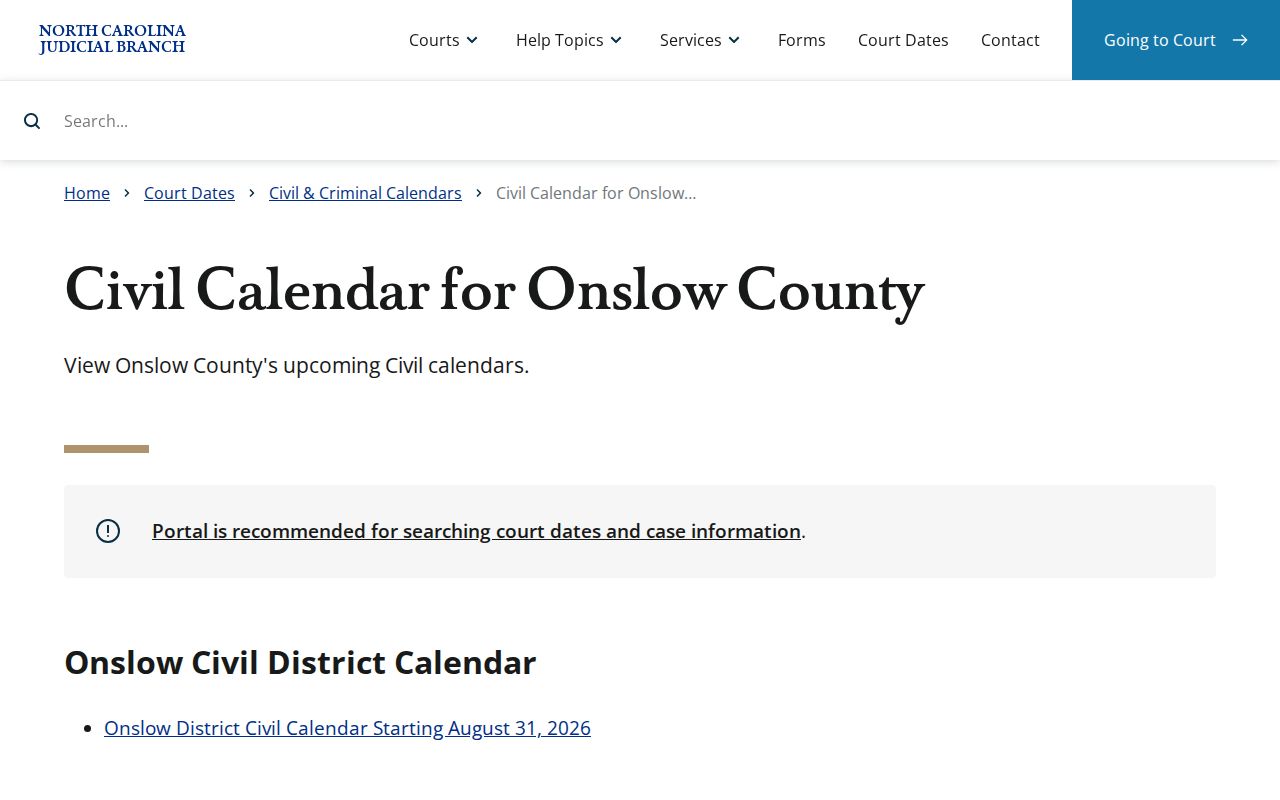
Portal’s Search Hearings checks current civil hearing information. Search by case number, party or business name, attorney name or bar number, judicial officer, or courtroom. Compare that live docket search with the Onslow civil calendar results and the county’s administrative schedules. A calendar is useful evidence of a session. But it does not override a newer Case Event. It also yields to a Hearing entry, continuance, or word from the court office.
The official civil-calendar results interface is the published-calendar channel. It works best beside the case-specific Portal result.
Call before you rely on a setting. The District Court Judges’ office, 910-478-3612, and the Superior Court Judges’ office, 910-478-3616, can check a hearing with your case number. A public calendar alone will not settle it. Parties and attorneys should also follow the current local forms and rules when they request a setting.
Onslow County Civil Calendar Requests Are Not Hearings
Onslow’s domestic calendaring form, OD-1, labels its options Motions Calendar and Short Matters Session. The form wants the basics. Expect to supply case and party details, plus your preferred session. Add the issues, an estimate of time, readiness, and service information. Filing the form is only a request. It does not prove the court granted that date. And it says nothing about a later continuance. The current county materials live in the official Onslow local rules and forms directory. Check there for the latest version of OD-1 and any companion forms.
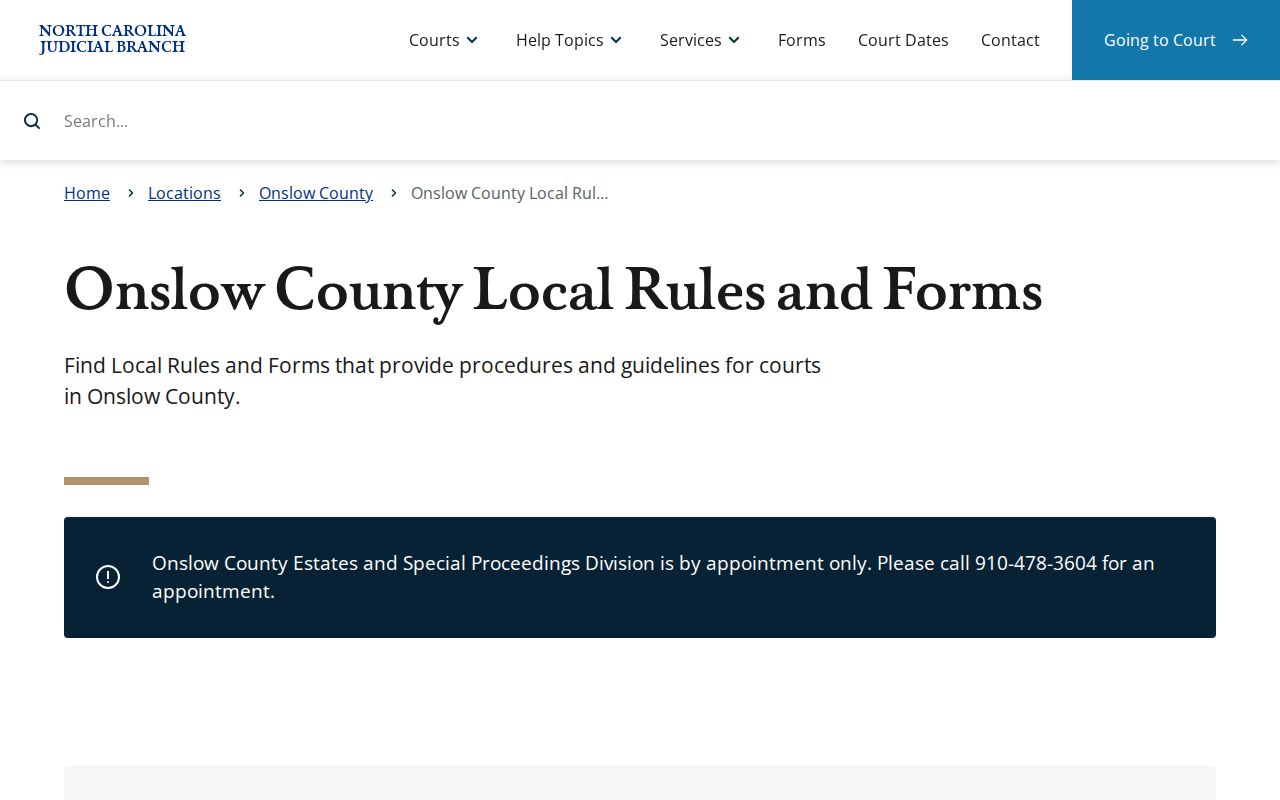
The published example caps hour-or-less contested civil sessions at 15 matters and lists filing cutoffs. Remember its own warning. It is an example, not a permanent schedule. Confirm any setting with the right judges’ office, and note that the District Court Judges’ office also handles the local TCC route shown on OD-1.
Public Access to Civil Dockets
Onslow gives the public several routes into a civil docket. Smart Search and Search Hearings cover online research. Public Portal access is just one layer. Prefer in-person work? The Clerk’s public terminal or kiosk works for that. The Clerk’s office at 625 Court Street holds the file itself. It also sells ordinary and certified copies. Estates and special proceedings run by appointment at 910-478-3604, and judges’ offices confirm settings.
Key rules:
N.C.G.S. 7A-109 makes clerk-held court records generally open for public inspection during regular office hours unless another law restricts access.
N.C.G.S. 7A-308 provides the statutory framework for clerk copy, certificate-under-seal, and exemplification fees.
N.C.G.S. 132-1 supplies the state public-record definition and general access principle, but it does not replace the Clerk as custodian of an Onslow court file.
Onslow County Civil Docket Access for Estates and Special Proceedings
Estates and nonconfidential special proceedings appear in Portal’s dedicated advanced categories. But the records path in Onslow still runs through the Clerk. Appointments are required: call 910-478-3604. That line suits anyone who needs to review a file in person. It also works for ordering a Clerk copy or asking how scheduling works. For a public record check on site, the Clerk-office terminal or eCourts kiosk is a solid alternative to Portal, especially when a file deserves a close read. Write down the case number first. Add the document title or event date before you call. Those details help the Clerk tell apart a Case Summary, a filed item, and a request for certification. They also prevent a common mistake. That mistake is reading a public event as proof that every document behind it is online. Onslow offers no public civil subscription or bulk-download product. NCAOC’s administrative public-record request route cannot replace the county case file either. NCAOC keeps only its own administrative records. For a document filed in an Onslow civil case, the Onslow County Clerk of Superior Court is the right office to ask.