
How to Get Court Records
Begin with the case number and the exact item you want. The free North Carolina eCourts Portal shows the public Case Summary. That is also called the Register of Actions. Public documents appear there where available. It works well for finding a case number, an event date, a hearing, or a document title. Remember, it is not the official court record. The Onslow County Clerk of Superior Court keeps the local file for Superior Court and District Court alike. Traffic and most misdemeanor files are heard in District Court.
Try the Portal first. If it does not answer the question, go to the clerk office. There you will find a public kiosk or terminal, the paper or electronic county file, and the copy and certification channel. A caller can ask the Clerk whether a document is public and how to request it. The official sources publish no Onslow email request route, no all-purpose copy form, no identification rule, and no processing promise. Requests to the state administrative office cover agency-held records only. They cannot replace an Onslow court-file request.
- Locate the case in Portal or at the courthouse terminal and write down the returned case number.
- Name the item precisely: Case Summary, filed order, judgment, pleading, plain copy, certificate under seal, exemplification, transcript, or audio.
- Read or print a public Portal item for reference when it is available, then use the Clerk for a county-file copy or authentication.
- Contact or visit the Clerk with the case number, document date or title, the kind of copy, and the needed return and payment instructions.
- Stop if the file is juvenile, sealed, confidential, or otherwise restricted unless an authorized court route applies.
Note: Give the Clerk a case number and a document description, and the office can sort out both availability and the copy charge.
Onslow Court File Custodian
Onslow runs on a unified Clerk of Superior Court system. One local office holds the records for Superior Court and District Court. So there are no separate county and district clerk offices. District Court takes traffic, most misdemeanors, small claims, family, and juvenile matters. Superior Court handles felonies and major civil cases. Whichever division heard the case, the county file sits with the same office.
Under G.S. 7A-109, the clerk must keep records, files, dockets, and indexes. They are generally open for public inspection during regular office hours unless another law limits access. The statute defines the Clerk's role. It does not make every item public. A Portal result can come up short. An older file may need review. Certification may be required. In each situation, the Clerk is the right local contact.
Onslow County Clerk of Superior Court
625 Court Street
Jacksonville, NC 28540
910-478-3600
Types of Onslow County Court Records
No single product counts as a court record. Think of the Case Summary as the public timeline of a case. A filed document is the underlying item itself, whether an order, judgment, notice, or pleading. An item can be public yet never appear online. Availability shifts with document security and the type of case. The Clerk can lay out the public route for the county file. A Portal printout is not certified evidence.
- Case Summary or Register of Actions: the public case timeline, assignments, parties, events, hearings, dispositions, and applicable financial information.
- Filed document: a public pleading, order, judgment, notice, or other item associated with the case.
- Certified copy or certificate under seal: a Clerk-authenticated record for a formal purpose.
- Exemplification: a higher authentication type that the Clerk can discuss for the requested document.
- Transcript or audio: separate record channels that may involve a court reporter, transcriptionist, or Clerk audio request.
For a public case, a case search can produce the case number before any document request. If a case number comes back, rely on it rather than a name result alone.
Onslow Portal Prints and Certifications
The eCourts Portal earns its place with no-fee public access. It offers the near-real-time Case Summary and, when permitted, public documents. You can read or print its output for reference. Portal guidance itself says the display is not the official court record. A public image may help you spot an order or judgment. But it carries no Clerk certification.
That gap matters once a recipient demands an authenticated order, judgment, or record. Describe the document to the Onslow Clerk. Ask whether a prepared copy, a certificate under seal, or an exemplification fits the need. The Clerk checks availability and any restriction before filling the order. Portal and Clerk work as linked stages of one process, not rivals.
The Judicial Branch court-records explanation lays out the terminal, paper-file, copy, transcript, and audio paths. Those apply when an online display falls short.
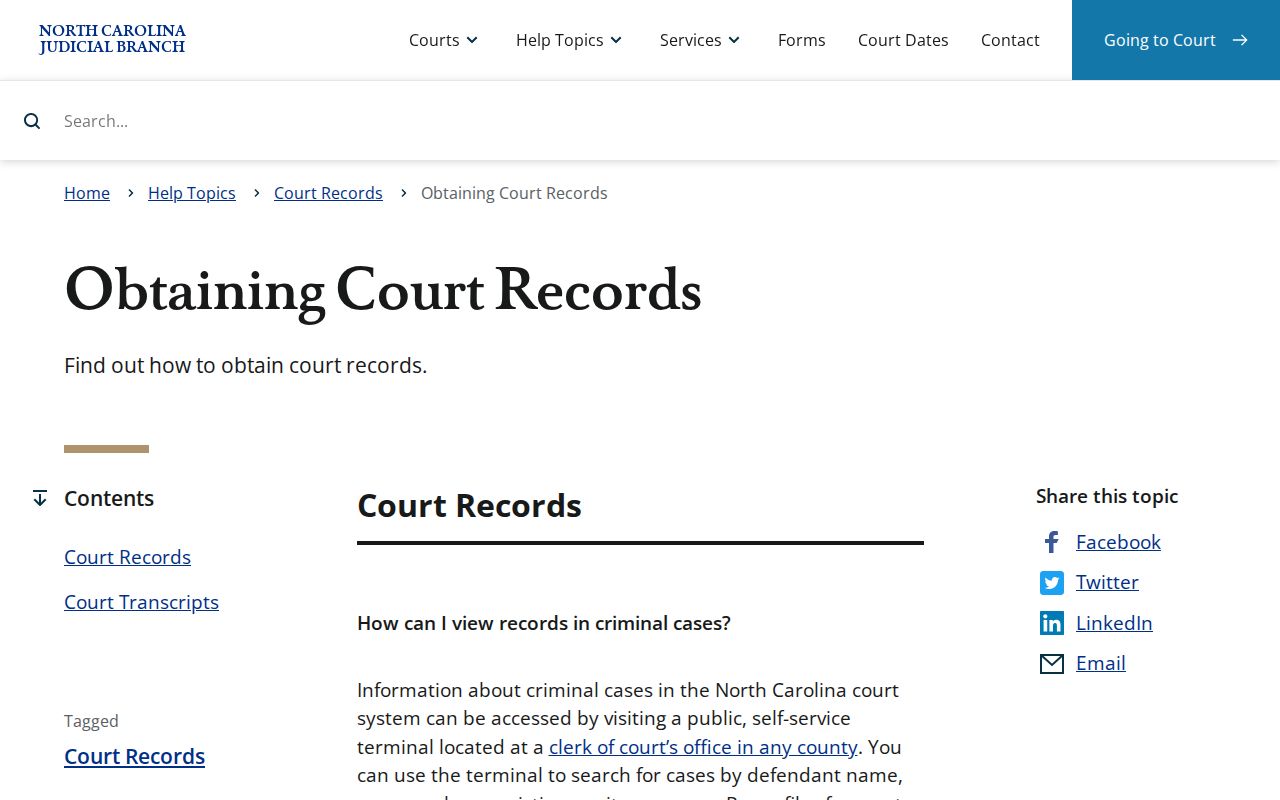
That official material on record access shows why a public search result and a Clerk-issued record serve different purposes in Onslow County. One informs you. The other stands on its own.
What an Onslow County Court Record Contains
The public Case Summary carries a defined set of information. It does not hold every fact in the file. Portal documentation lists the case, assignment, and party information, then case events, hearings, and dispositions. Civil, family, probate, and mental-health matters may add causes-of-action information. Financial information shows up when applicable. A document image can face a narrower public-access rule than the Case Summary pointing to it.
| Case Information | Identifies the matter and the returned case number, such as YYCR######-660 for an Onslow criminal pattern. |
|---|---|
| Assignment Information | Shows the court or judicial assignment associated with the public case. |
| Party Information | Organizes the people or entities and their roles in the case. |
| Case Events | Lists the chronological Register of Actions entries for the public case. |
| Hearings and Dispositions | Shows scheduled settings and the recorded outcome where those fields apply. |
| Public Documents | May be viewable when available and public, but the Portal does not promise every filed item. |
Note: A public event entry can identify a filing even when the underlying document never appears online.
Three Onslow Court Record Channels
Onslow County offers three ways to reach a court record. Portal handles the remote search and reading. A self-service kiosk at the Clerk's office matters when the in-person view differs from the internet view. NCAOC deployed it in Onslow during 2025 with scanning, printing, and payment services. For inspecting an available county file, requesting copies, or obtaining certification, the Clerk counter is the channel.
Nothing on Portal? That is not proof no record exists. Check the case number or name format first. Then try the local terminal or contact the Clerk. The cause may be a restriction, an older file, or a public item that needs the in-person route. Take local court file requests there rather than through an administrative public-record process.
The statute itself sets the copy and authentication amounts that follow. The official fee provision lists each charge.
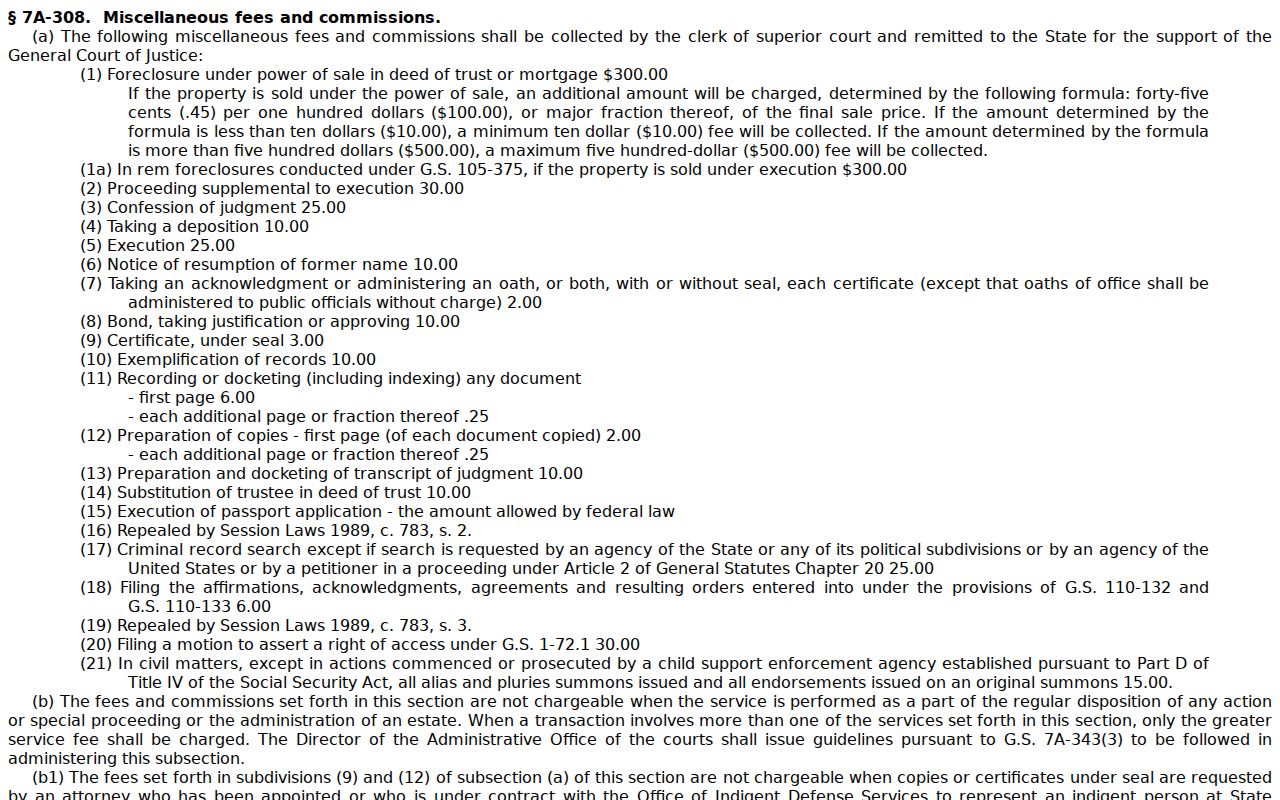
The fees apply to Clerk services; Portal search and public viewing stay free.
Onslow County Certified Copies and Fees
Not every copy needs a seal. A plain copy is fine for reference. Formal recipients want a certificate under seal instead. Onslow publishes no separate certified-docket price and no local turnaround commitment, so confirm the exact service with the Clerk before you send payment. G.S. 7A-308 sets the charges for prepared copies, certificates under seal, and exemplifications.
| Clerk service | Statutory amount | Onslow request point |
|---|---|---|
| Prepared copy, first page of each document | $2.00 | Clerk county file, subject to public access. |
| Additional page or fraction | $0.25 | Added to the prepared-copy charge. |
| Certificate under seal | $3.00 | Ask the Clerk whether this is the needed authentication. |
| Exemplification | $10.00 | Confirm the document and authentication requirement first. |
Searching Portal costs nothing. Viewing is free too. The statute does list a criminal-record search charge, but that covers a records search, not docket copies, and it is not the route for a general lookup. A listed fee may not apply when the service is part of the regular disposition of an action. Have the Clerk confirm your request-specific total.
Onslow Court Record Audio Options
A transcript is not just another Portal attachment. Court reporters and transcriptionists prepare transcripts. They set their own rates. For a clerk or digital technician recording in a nonconfidential matter, statewide record guidance names Form AOC-G-114 as the request route, with the actual CD cost if one is available. A confidential recording requires court permission instead.
Ordinary Criminal District Court proceedings generally go unrecorded unless an order applies, apart from a narrow felony-plea exception. The Case Summary can list hearings while no transcript exists at all. Name the case number and the particular hearing. Ask the Clerk or reporter which record channel applies.
The Judicial Branch expunction information also explains why some records vanish from online view once an order takes effect.
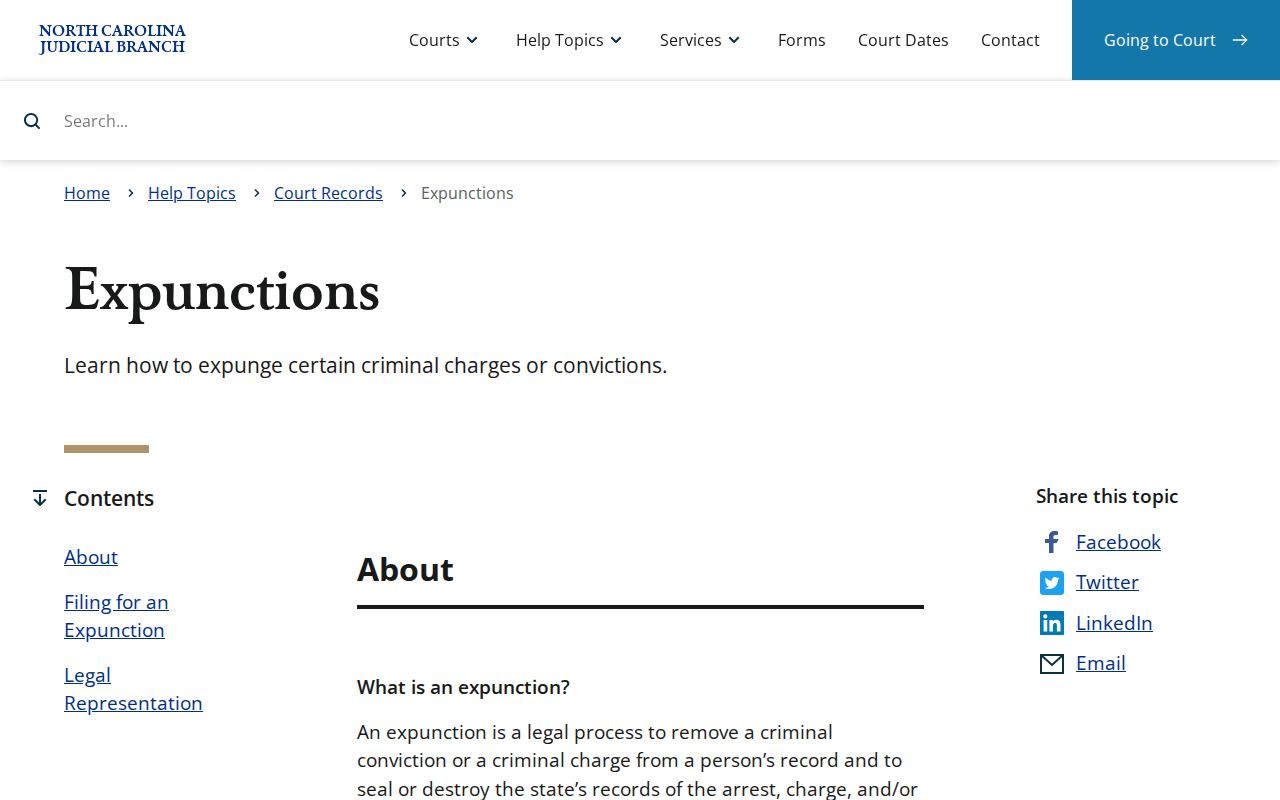
An expunction is a legal change in access. It is not a signal to seek a restricted record through some other channel.
Onslow County Public Access and Sealed Records
Civil, criminal, and estate information can be public. Onslow offers it through Portal, the kiosk, or the Clerk file. Access shifts when a law or court order makes material confidential, sealed, or restricted. Juvenile records are not ordinary public docket material. A sealed record stays closed to ordinary Portal users, and an expunged record stops appearing online once the order takes effect. A missing result can mean a legal limit. It is not always a search error.
North Carolina access rules:
G.S. 7A-109 requires Clerk record keeping and generally permits public inspection unless another law prohibits it.
G.S. 132-1 provides the general public-record framework, subject to more specific court-record restrictions.
G.S. 7B-3000 withholds juvenile records from public inspection except through authorized access or court order.
Onslow Expunction Record Limits
An expunction can remove a qualifying charge or conviction from a person's record and seal or destroy state records as the law provides. Eligibility turns on the statute, the case result, the offense, age, waiting period, and other facts. File the petition with the Clerk in the county of charge or conviction. Some dismissed or not-guilty matters can be fee-exempt. Other categories may carry a filing fee. Portal guidance says a record ordered sealed or expunged is no longer viewable online. The Clerk can answer lawful filing and procedural questions. A missing result means nothing. Neither does an old personal document. Neither one opens public access to a sealed case.